Turn on the agent builder
The builder ships inside oap and installs with the platform. The only thing it needs from you is
who may start it — there is no safe default for that, so the install asks rather than guesses.
On a cluster you install with oap install
Pass the people and groups who may start the builder:
oap install --builder-starters user:$(oap identity canonical-id you@example.com)
oap identity canonical-id turns an email into the identifier the platform uses for that person. You can list
several identities, separated by commas, and a group as group:<group-id> — the same subjects the rest of the
authorization model uses.
That is the whole install. It puts one AgentClass, agent-builder, in the platform's own namespace,
agentprimitives-system, with its workshop sidecar and its skills, and records the class as sanctioned for
building — the platform refuses to open a workshop for any class that is not on that list.
To skip the builder on a cluster that should not have it:
oap install --without-builder
On the Desktop app, or after oap init
Neither the Desktop app nor oap init installs the builder: neither has
an identity to hand it, and an empty starter list would lock everyone out of a class nobody could then fix from
the UI. Add it afterwards with a second oap install — installing is idempotent, so re-running it against a
cluster that is already up only adds what is missing.
For the Desktop app, point it at the desktop cluster:
oap install --context ap-desktop --cluster-kind desktop --allow-non-local-cluster \
  --builder-starters user:$(oap identity canonical-id admin@ap.local)
admin@ap.local is the desktop's local admin, the account you sign in to the dashboard with.
--allow-non-local-cluster is needed because the VM's API address is not localhost; the desktop cluster kind
is still what gets installed.
For a cluster you brought up with oap init, the same command without the desktop flags:
oap install --builder-starters user:$(oap identity canonical-id you@example.com)
Check it worked
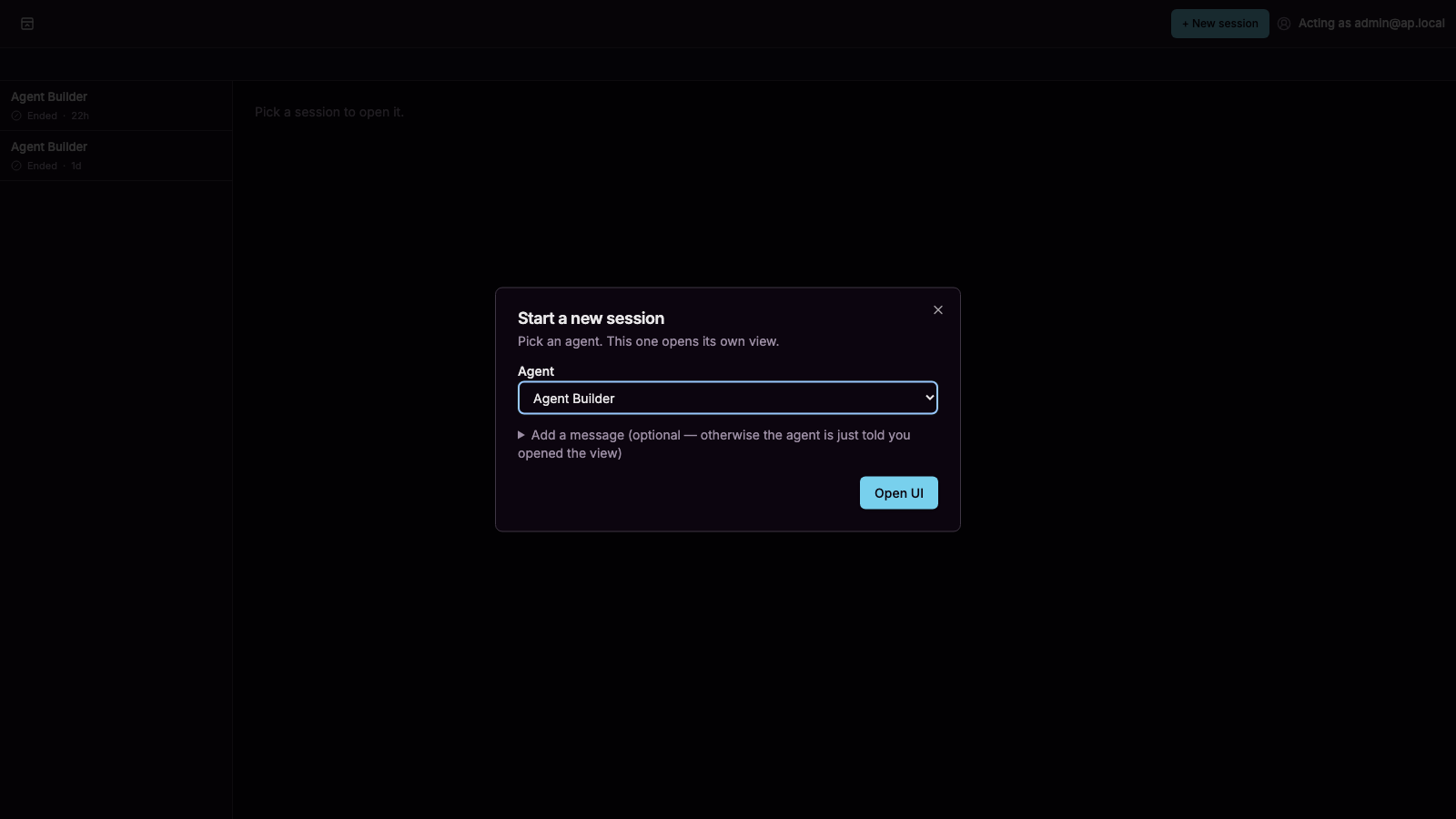
Sign in to the web UI and open New session. Anyone on the starter list sees Agent Builder in the agent picker; anyone else does not. Pick it and the workshop page opens:
What got installed
| Object | Where | What it is |
|---|---|---|
AgentClass/agent-builder | agentprimitives-system | The builder itself: its prompt, its skills, its workshop sidecar, and the plan gate it runs under. |
SidecarToolbox/workshop | agentprimitives-system | The builder's tools: inventory, validate, apply, test, export, request install, and the rest. Runs beside each builder session. |
A sanction in ClusterAgentSettings | cluster-wide | limits.builderClasses names the class and its sidecar. Only a sanctioned class gets a workshop. The same settings hold limits.maxWorkshopsPerStarter, the per-person limit (default 3). |
Each build then creates a Workshop for that session — its own namespace, its own permissions, its own
sidecar identity — and deletes it when the build is over. See Workshops and limits.