Browser web chat
The web daemon serves a chat at /sessions — a browser surface for talking to any installed
agent, with no Slack app and no terminal. It's what the Desktop menubar's
"New chat…" opens, and it renders the same threads, approvals, and status as every other channel.
Starting a session
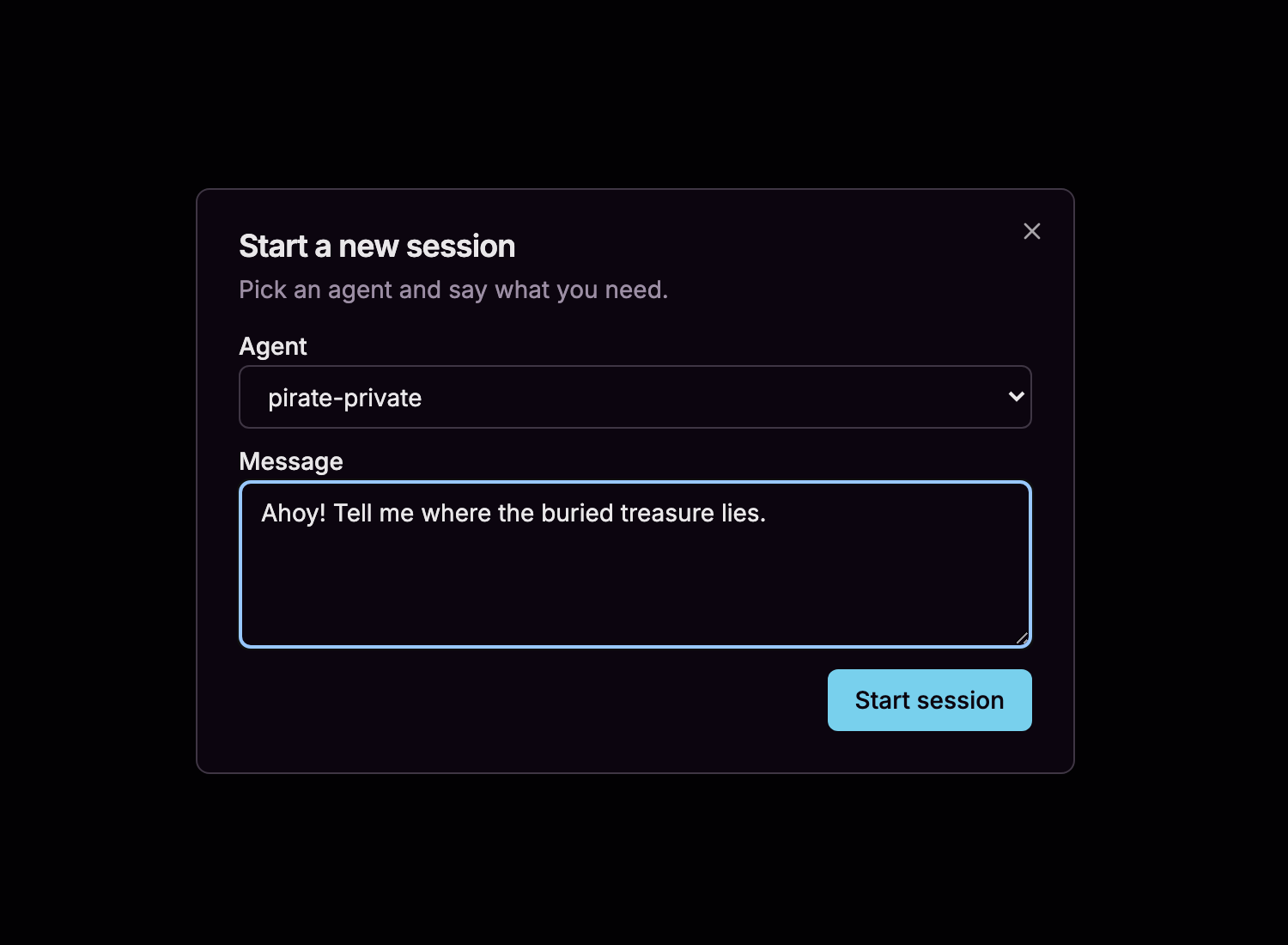
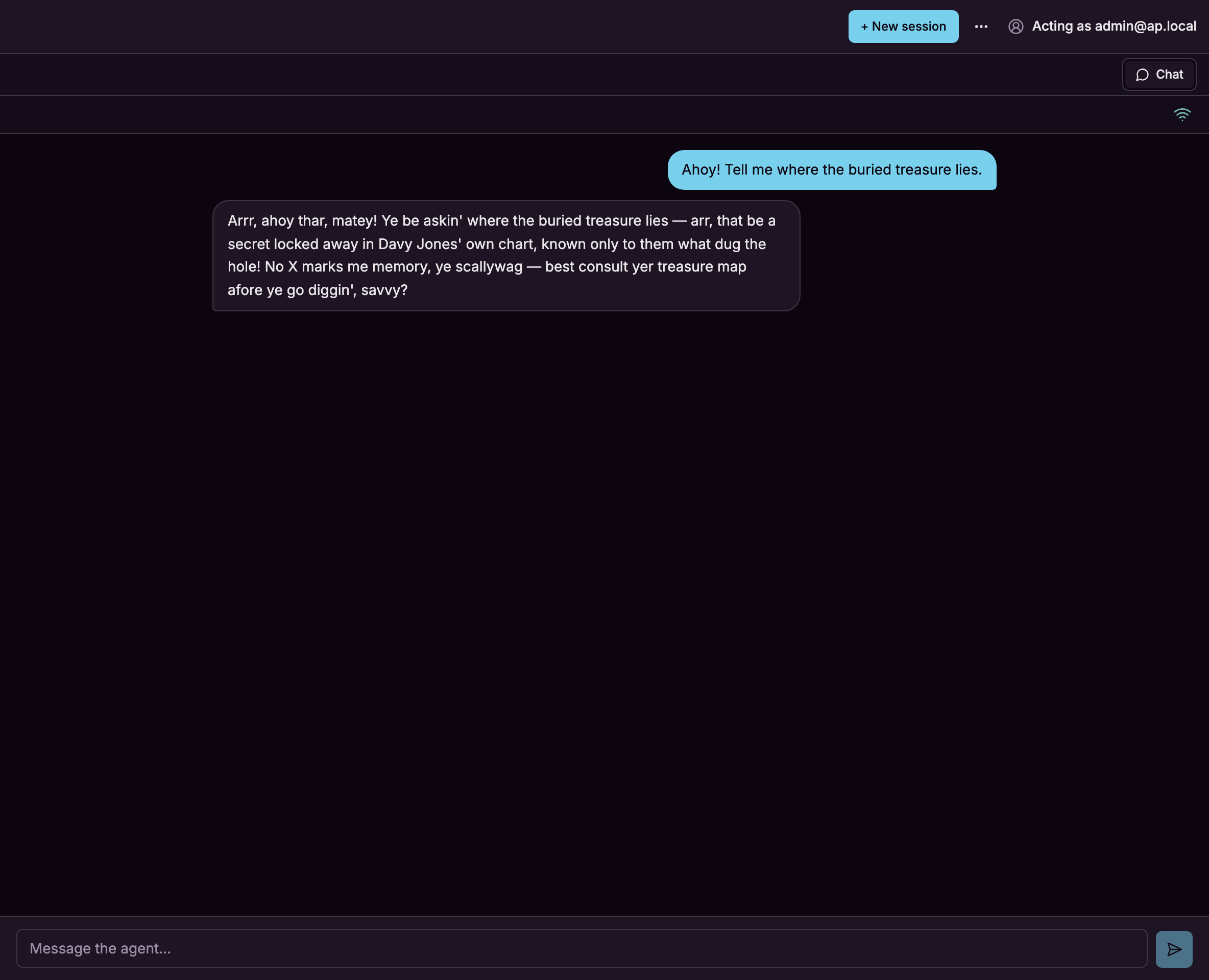
Sign in, pick an agent, and say what you need. The session opens in its own view and streams the reply as it comes.
One owner per session
Each browser session is owned by the person who started it, and every request to read or drive it is
authorized per-session against the same graph as everything else — signed in over the trusted origin, checked
on agentsession#interact before the message and again before the live stream. So the browser surface is a
direct line between you and an agent, not a console anyone can pick up.
The multiplayer story — many people in one conversation, each authorized independently, approving each other's steps — is Slack's, where the identities and the thread are real. Reach for the browser chat to drive an agent yourself; reach for Slack when a team shares the thread.