Your first agent
An agent ships as a bundle — a single artifact that carries the whole agent: its definition, tools, skills, and identity, plus the questions it needs answered to run. You install it with one command, answer what it asks, and talk to it. You never apply the pieces by hand.
Install an agent
oap agent install takes a bundle from a folder, a packed .oap file, or a registry reference, and stands up
the entire agent graph in one step:
oap agent install examples/pm-agent          # a folder bundle in this repo
oap agent install ./pm-agent.oap             # a packed single-file bundle
oap agent install ghcr.io/acme/pm-agent:1.2  # straight from a registry
As it installs, the bundle asks its install-time questions. The product-manager example asks two:
? Which GitHub repos may this agent read?  acme/web, acme/api
? GitHub PAT  ****************************
That's the whole thing. On the desktop app, the same flow is a menu action — Install agent from .oap… — with a form instead of prompts.
What that one command did
- Created the whole agent graph — the AgentClass (
product-manager), its skills, and its identity, applied together and validated as a unit. Nokubectl apply, no piecing it together. - Wrote the secrets from your answers. A bundle declares the secrets it needs; it never carries their
values. The GitHub PAT you typed became the
gh-patSecret in your cluster — the bundle only knew it needed one. - Used the cluster's model. Your platform install registered a default model and a central key for it, so an agent doesn't ship or ask for a model key — it uses the cluster default unless it declares its own.
Talk to it
Once it's installed, start a conversation:
- In your terminal —
oap agent chat product-manageropens a full-screen TUI with a live transcript, inline tool sessions, and approval prompts. Zero external setup. (For a scripted one-shot instead, useoap agent run product-manager --prompt "…".) - In your browser — the web server serves a chat at
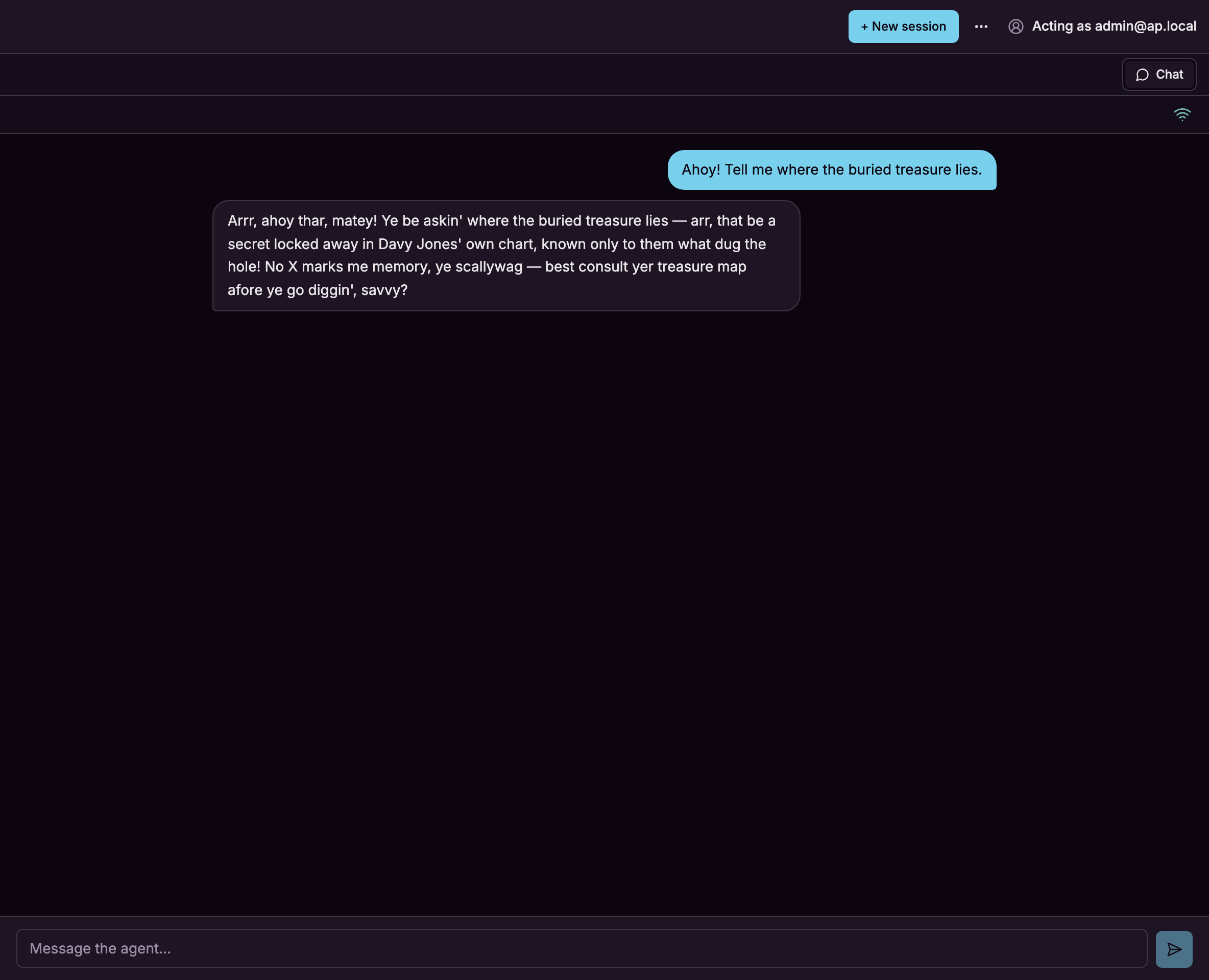
/sessions(this is what the Desktop menubar "New chat…" opens). Pick the agent and go. - In Slack — the richest surface, and the one most of these docs are shown through.
oap channel create --kind slackruns a wizard that creates the Slack app and wires the agent to a channel. (Slack needs a workspace and the authorization graph set up, so it's a step beyond the first two.)